Review of oneword.com....F-
- adamjotto
- May 27, 2021
- 2 min read
When I initially read about oneword.com in The Super Book of Web Tools for Educators (https://www.totemguard.com/uploaded_docs/Super+Book+of+Web+Tools+for+Educators.pdf) I got excited about the idea of using the program for different writing exercises. I like the premise of the website: is a word is given, then the student has 60 seconds to write about it. I decided to check it out and give the program a whirl to find out exactly how it works, what is possible, and how useful it potentially is as a language development tool in the classroom; I had high hopes for this program. I was hoping I could customize the vocabulary lists for my students for pre-testing and assessing vocabulary knowledge, fluency practice, story development, and more....Here's how it went.
Here is the home screen:

After clicking on the go button:

The word of the week is camper I guess because two days in a row, three different computers and three different web browsers later, the word is still camper. More importantly, the entry form does not populate, therefore the page is not functioning properly. I went back to the home page to investigate further. Since the go button doesn't work, I took a look at my other options: read, write, listen, and support.

I clicked on the read button and here is what I got:

If you look closely there are 3 entries showcased for camper written on May 20th...one week ago. The first entry shown above is not bad for reading practice because it's pretty well written, but the other two are choppy, disconnected, and more suitable for demonstrating the differences between well written texts and poorly written texts. However, I like the idea of my students being able to read what other people wrote.
Moving on, even though there is nothing in the about section, or anywhere else, on the website that specifies you must sign-up to use the website, I decided to sign-up to see what the additional features are that come with a free membership. When I clicked on the signup button, this is the page I was taken to:

I'm starting to sense a pattern. I clicked on the write button:

Nada. Same as the go button on the home page. I clicked on the listen button:

I used Firefox, Chrome, Safari, a Windows laptop, my Windows desktop, and my friend's Mac just to make sure it wasn't me with the problem. Nope, it's them.
To recap, nothing works. I decided to send the support team a message to let them know I was having trouble and ask them what the issue was. I clicked on the support button and:
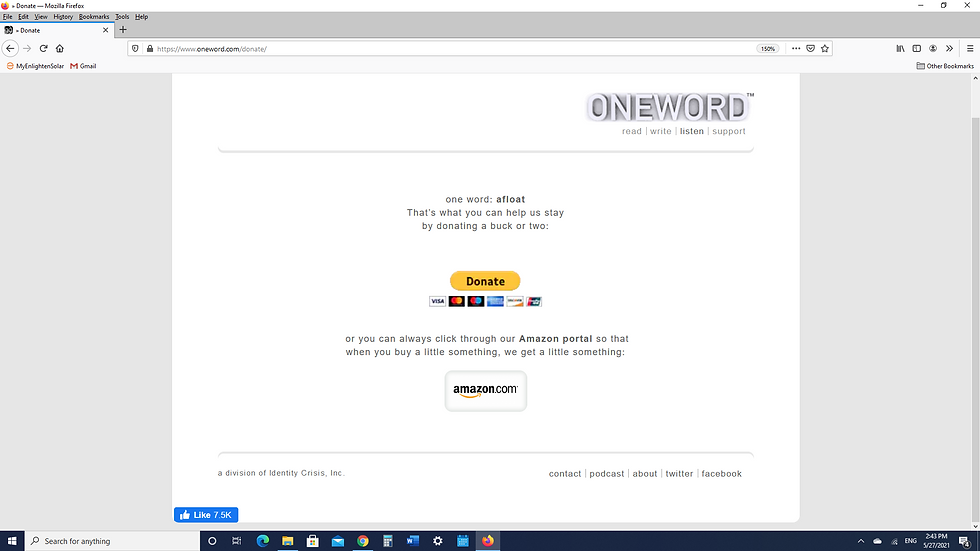
Contact page:

Oneword.com has potential, especially if you can customize the vocabulary, but they're obviously having issues at the moment. I sent brian@oneword.com a message to let him know about my experience. I'll check back in a few weeks, but for now I'm done. F-. Let me know in the comment section if you had a different experience!


Hi Adam! I had not heard of oneword.com before, but I took a minute to visit it online and had the same results that you did. It's a shame that this site is not functioning properly at the moment, because I really like the concept! I think this could serve as a great free writing activity to encourage students in building writing skills. I also like that their writing examples showcase the word in different contexts (something that can be difficult for lower level ELs to grasp). I'll have to check back in a couple weeks to see if your message helped to update the site. Thanks for sharing! -Lauren